Unicode Fonts and Symbols as GLCD C-source code
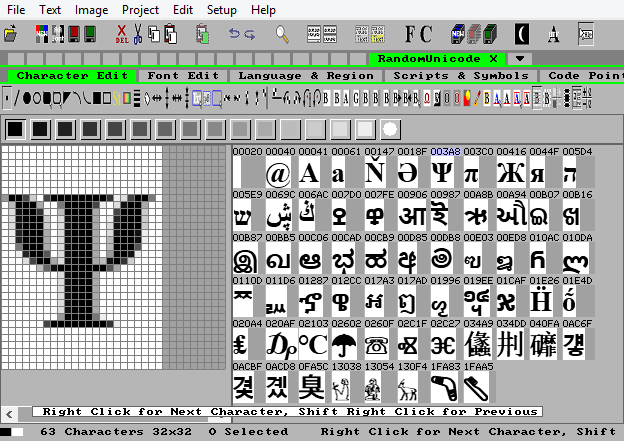
C-Source formats: GLCD B&W, 2,4,8 bpp Alpha level Anti-Alias, and 4,8,16,24,32 bpp Color.
Create C-source code pixel Unicode fonts directly.
Convert pictures and images to C-source code symbols.
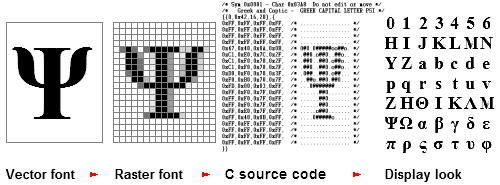
How the C-source C Format is organized
The glyph symbols and the Unicode code-points are stored in separate files and bound together by a master file, so each font consists of 3 files:
- Name.c is a C-source module for compilation. It has the data definitions and includes the other 2 files.
- Name.cp a C-source list of the code-points in the font.
- Name.sym C-source data for all the glyph symbols in the font.
The Name of the files is the same as the name of the font so it has to be a valid C-source code name.
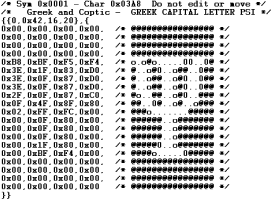
Here is a small test font with one and greek alpha and betha:
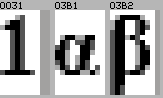
The hexadecimal numbers above the symbols are Unicode code-points.
The code-point list starts with the number of segments in the list and the default character to be used if a character is not in the font.
After that is a number of segments with consecutive code-points, each segment has 3 parameters the first code-point, the last code-point, and the symbol number for the first code-point in this segment:

The symbol list starts with a color type identifier for grey symbols and the X and Y size for each symbol. After that follows the glyph data bytes starting in the upper left corner of the symbol:
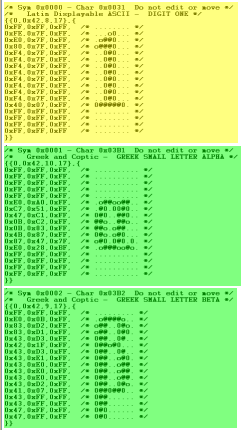
The highlighting shows the correspondance between the code-points and the symbols.
C-source code portability
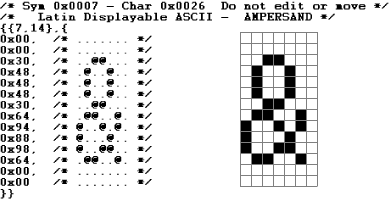
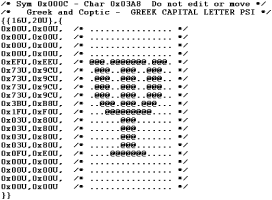
Save fonts, symbols, and groups of symbols in a general human-readable C-source code format:
- All RAMTEX Color and B&W display controller driver libraries support the same basic symbol and font C-source code format. This makes fonts and symbols portable across display controller types and target hardware.
- B&W (two-color) symbols are compatible with both B&W and Color display driver libraries.
- Grey-level symbols and anti-aliased fonts are compatible with Color display driver libraries.
- RGB Color symbols are compatible with RGB Color libraries. IconEdit can convert the symbols to grey for use with Grey-level libraries.
Recommended C-source code for Fonts
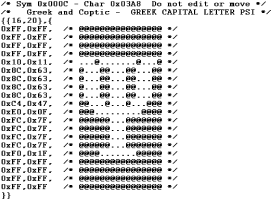
Black and white gives the smallest ROM footprint.
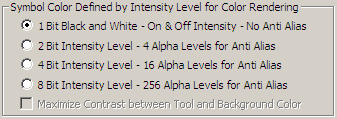
All pixel data are stored as bytes for maximum portability.

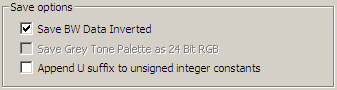
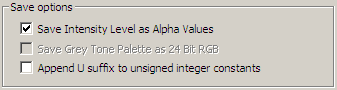
If the development system requires it all unsigned values can have an U suffix.
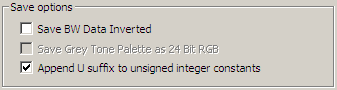
If you prefer white characters on black background pixel data can be inverted.
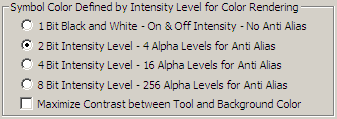
Two bit intensity level anti-alias gives a good compromise between ROM size and character look.
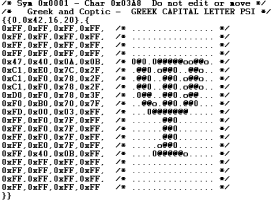
Data is stored as 4 pixels per byte.
If you prefer white characters on black background pixel data can be inverted.

 Fonts and Symbols as C-source code.
 Other Color Modes for Images and Fonts.

